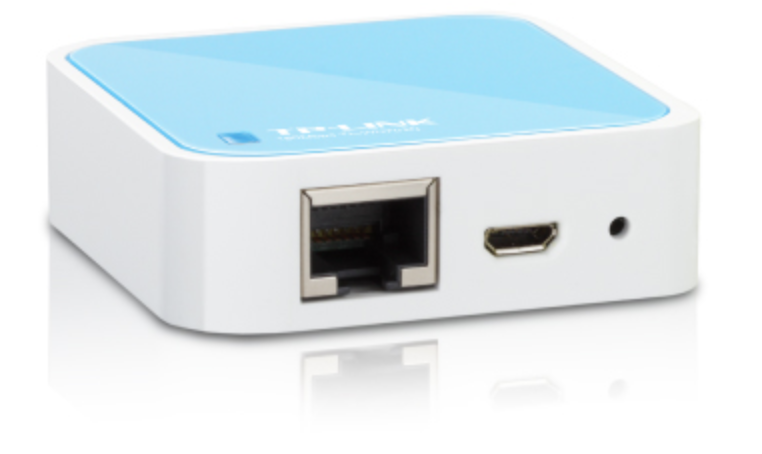
USB 2.0 port (High-Speed, use hub for Low-Speed devices)
Powered via micro-USB socket
Tiny form factor: 5.7cm x 5.7cm x 1.8cm
Version Chaos Calmer 15.05 for ar71xx chipset can be used to flash the device version 1.6 or older, newer versions of openwrt and newer versions of the hardware (version 1.7) do not work without complexity.
The correct binary can be downloaded on a webpage or local on this server.
On a MacBook you can run a webserver and wget the binary into the /tmp directory after telnet 192.168.1.1 or ssh into the device. The latest version is tl-wr703n-v1-squashfs-factory.bin On the MacBook (first ifconfig):
ifconfig eth0 192.168.1.5 netmask 255.255.255.0 up (modify eth0 if needed)
sudo apachectl start
sudo cp tl-wr703n-v1-squashfs-factory.bin /Library/WebServer/Documents/
If the WR703N box is constantly rebooting, try TPL<Enter> after powercycling the box.
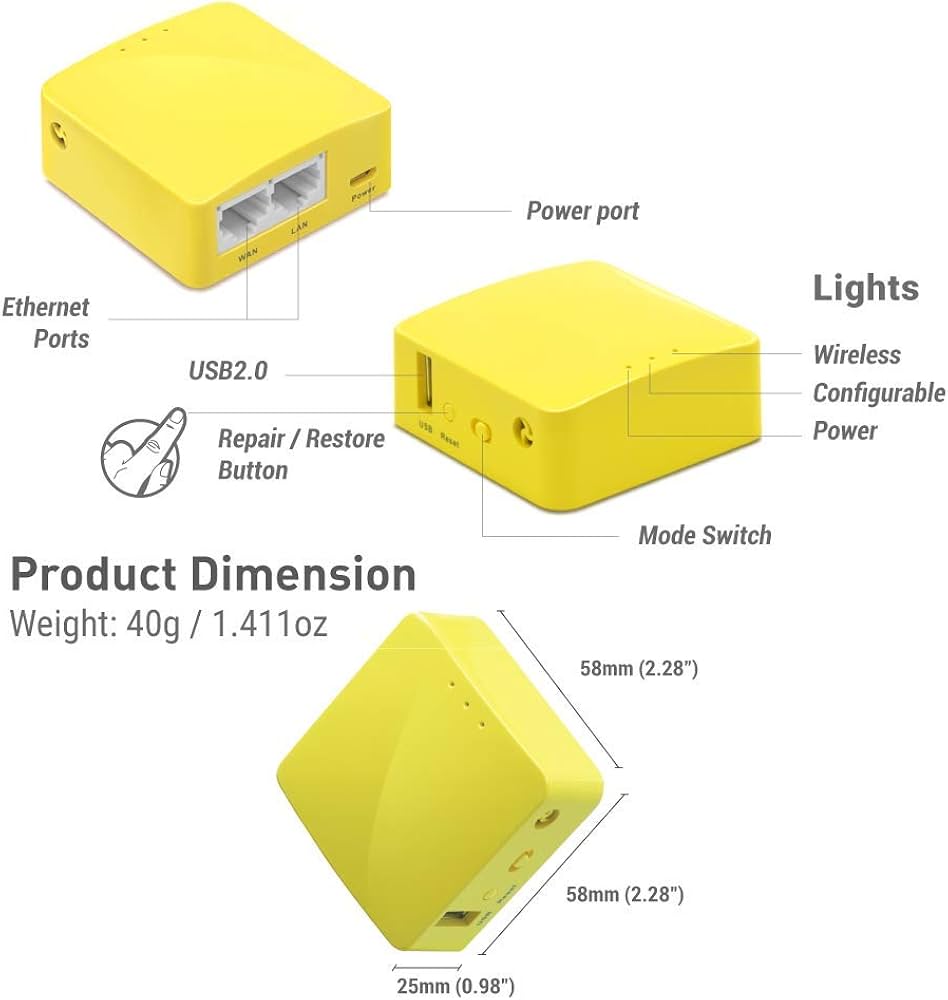
There is a successor for the WR703N, the Mango (GL-MT300N-V2) Wireless Mini Router.
The main difference is the flash and ram size.
See comparison table below.
Feature
TL-WR703N
GL-MT300N-V2 (Mango)
CPU
AR9331 @ 400 MHz
MT7628NN @ 580 MHz
RAM
32 MB
128 MB
Flash
4 MB
16 MB
Wi-Fi Radio
2.4 GHz only
2.4 GHz only
Wi-Fi Standards
802.11b/g/n
802.11b/g/n
802.11a (5 GHz)
❌ No
❌ No
Max Wi-Fi PHY Rate
150 Mbps (1×1 802.11n)
300 Mbps (2×2 802.11n)
Ethernet
1× 10/100 Mbps
2× 10/100 Mbps
USB
1× USB 2.0 (~25–35 MB/s practical)
1× USB 2.0 (~25–35 MB/s practical)
Power Consumption
<1 W
<2 W
UART
Pads, soldering required
Header installed
Weight
~45 g
39 g
OpenWrt Support
EOL (up to 19.07)
Current (24.10)
WireGuard
Not practical / unsupported in modern OpenWrt
~45 Mbps
OpenVPN
~2–3 Mbps
~10–15 Mbps
Release Year
2012
2018
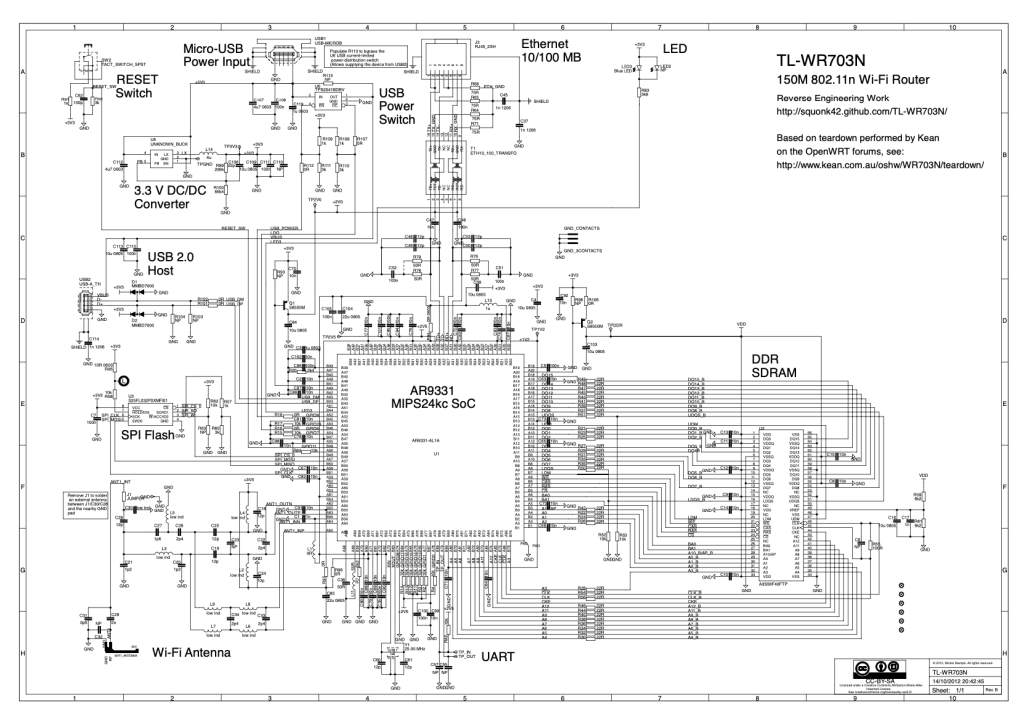
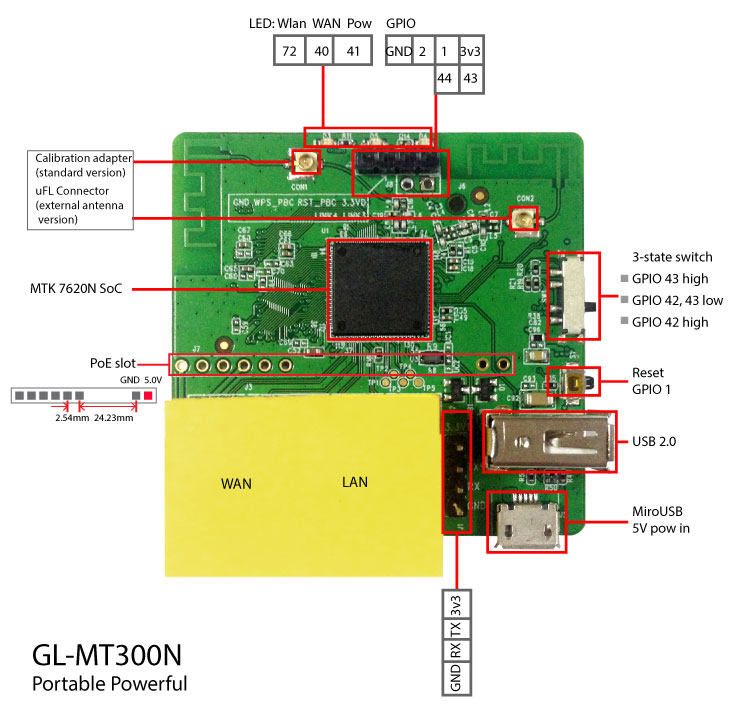
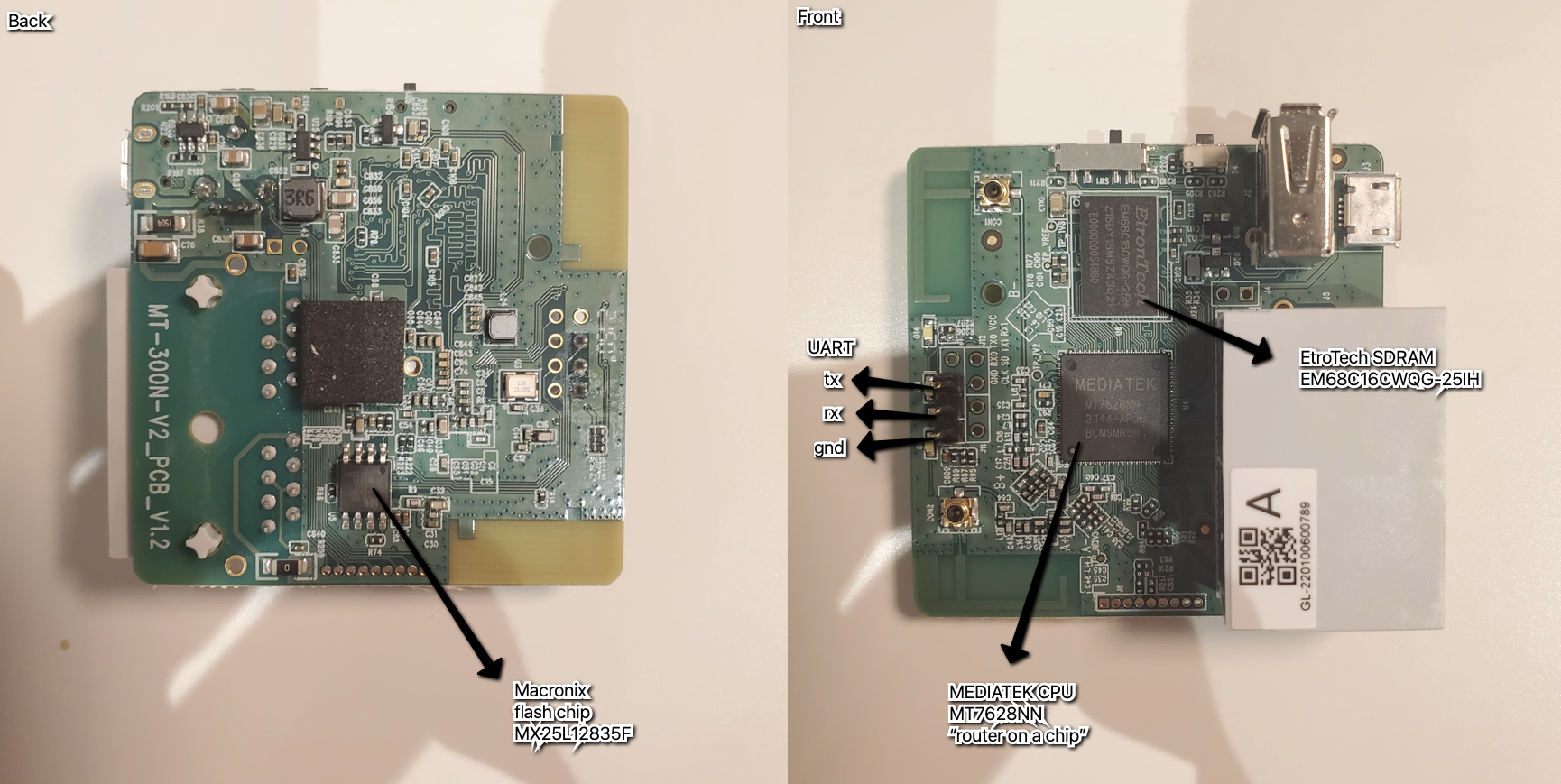
PCB layout and details of two version of the mango. Specifications should be identical, only board layout is different due to optimization production process or change of supplier components.